
⚡ Quick Answer
Real-time data integration problems usually come down to four things: network latency, streaming bottlenecks, slow transformations, and poor data quality. In most enterprise environments, even 100–300 milliseconds of extra latency across multiple systems can snowball into delayed data pipelines and missed alerts.
MetaSuita – real-time data integration problems are rarely caused by one obvious failure. More often, it’s death by a thousand small delays. I’ve seen pipelines that looked healthy on dashboards but still delivered fraud alerts 11 seconds late—way too slow for a fintech transaction engine. After 14 years designing ETL and streaming systems for SaaS and fintech stacks, one thing keeps showing up: the pipeline isn’t usually broken. It’s congested.
That’s what makes these issues frustrating. Data is flowing. Events are being processed. Dashboards are green. And yet users complain about stale analytics, delayed alerts, and inconsistent downstream behavior. Sound familiar?

Why Real-Time Data Integration Problems Hurt More Than Most Teams Expect
Real-time data integration problems don’t just slow reporting—they affect business decisions in the moment.
That matters because modern enterprise systems don’t wait for overnight batch jobs anymore. Fraud detection, live inventory sync, customer behavior tracking, and payment authorization all depend on streaming pipelines. A delay of a few seconds can be expensive.
According to NIST’s Cybersecurity Framework, timely data visibility is essential for operational response in modern enterprise environments. That lines up with what infrastructure teams see daily: stale data equals slow decisions.
A quick example.
I worked with a payment platform pushing transaction events from APIs into Apache Kafka, then into downstream analytics and fraud scoring. During normal traffic? Smooth. During peak checkout hours? Latency spiked from 80 ms to nearly 4 seconds.
The weird part? CPU usage stayed under 60%.
What nobody tells you is this: many real-time data integration problems aren’t caused by overloaded compute. They’re caused by coordination delays between systems.
Think of it like traffic. A highway doesn’t need a full blockage to become unusable. One bad merge point creates congestion everywhere.
Snippet Answer:
Real-time data integration problems often appear when multiple fast systems depend on one slower system. Even if 90% of services respond in under 100 milliseconds, one slow database, API, or message broker can create delayed data pipelines across the entire architecture.
💡 Key Takeaway: Most enterprise streaming failures start with small latency spikes between systems—not total system crashes.
What Actually Causes Delayed Data Pipelines in Enterprise Networks?
Delayed data pipelines usually come from latency accumulation across multiple pipeline hops.
A pipeline hop is one movement of data between systems. For example:
- API gateway → event broker
- Event broker → stream processor
- Stream processor → warehouse
- Warehouse → dashboard
Each hop adds time.
Individually? No big deal.
Together? Big problem.
Network latency issues between distributed systems
Network latency issues are one of the biggest hidden causes of slow pipelines.
Network latency is the delay between sending and receiving data across systems.
Hybrid environments make this worse. Many enterprises now split workloads across on-prem systems, cloud warehouses, and SaaS applications. Every cross-region call adds overhead.
A common setup might include:
- On-prem ERP
- Cloud message broker
- External API
- Cloud warehouse
That architecture introduces unavoidable latency.
If you’re running hybrid infrastructure, this becomes even more relevant when designing real-time data streaming pipelines.
Here’s the thing: low latency isn’t just about bandwidth. Routing, DNS lookup time, TLS handshakes, and retry logic all matter.
And yeah, that matters more than you’d think.
Bottlenecks inside message brokers and event queues
Message brokers often become invisible bottlenecks.
A message broker manages event delivery between producers and consumers.
Popular tools like Apache Kafka, RabbitMQ, and Amazon Kinesis are great at scale—but only when configured correctly.
Common issues include:
- Too few partitions
- Consumer lag
- Slow disk writes
- Replication delays
No, seriously. I’ve seen teams blame Kafka for “slow streaming” when the real issue was badly sized partitions.
That’s a configuration issue, not a platform problem.
Slow transformations in ETL and stream processors
Transformation delays quietly kill streaming performance.
Transformation is the step where raw data gets cleaned, enriched, or reshaped before downstream use.
Simple transforms are fast.
Complex transforms? Not so much.
Joins, deduplication, enrichment calls, schema validation—all of these add overhead. Especially at scale.
This is where poorly designed ETL pipeline automation starts hurting performance.
Honestly, this part surprises a lot of teams.
They optimize infrastructure but ignore processing logic.
Bad transformation design can easily add more delay than network latency.
Why Does Real-Time Data Streaming Slow Down During Peak Traffic?
Peak traffic exposes architectural weaknesses fast.
That’s because streaming systems behave very differently under sustained load than under average load.
Nine times out of ten, the pipeline looked fine during testing.
Production is where reality shows up.
Traffic spikes and bandwidth saturation
Traffic spikes overwhelm available throughput.
Bandwidth saturation happens when data volume exceeds network capacity.
Common triggers include:
- Flash sales
- Payroll processing
- Batch-to-stream overlap
- Login surges
Once throughput maxes out, queue depth grows.
That creates delayed data pipelines.
The backlog gets worse before it gets better.
Backpressure and queue buildup
Backpressure is one of the most important concepts in streaming systems.
Backpressure happens when downstream consumers process data slower than upstream producers generate it.
This creates cascading slowdowns.
One consumer slows.
Queue grows.
Producer keeps sending.
Latency explodes.
Been there?
This is why tools built for real-time analytics integration need strong observability—not just throughput metrics.
The tricky part is that backpressure doesn’t always look dramatic at first.
It starts quietly.
Then suddenly your 200 ms pipeline is processing events 30 seconds late.
The Hidden Problem Nobody Talks About: Bad Data Quality in Fast Pipelines
Bad data quality slows real-time pipelines even when infrastructure looks healthy.
This is the part most infrastructure engineers underestimate. Everyone watches CPU, memory, throughput, and lag. Fair enough. But dirty data creates retries, schema failures, dead-letter queues, and expensive reprocessing.
Data quality is how accurate, complete, and consistent incoming data is.
I’ve seen a perfectly tuned streaming system choke because one upstream service started sending null timestamps. That tiny change triggered validation failures across three downstream services.
Not exactly dramatic. Still expensive.
This is why mature teams invest in data validation frameworks before scaling throughput. Fast bad data is still bad data.
How Legacy Systems Quietly Break Real-Time Integration Performance
Legacy systems often become the slowest component in otherwise modern architectures.
And no, the problem isn’t always “old software.” It’s often old communication patterns.
A lot of enterprise platforms still rely on:
- Polling every 5–15 minutes
- Flat-file transfers
- Batch-oriented databases
- Synchronous APIs
That creates mismatch.
Modern streaming tools want event-driven flows. Legacy systems want scheduled exchanges.
That tension causes delays.
I’ve found hybrid environments benefit from stronger API data integration patterns, especially when modernizing legacy endpoints without rebuilding everything.
Okay, so here’s the contrarian take: replacing legacy systems isn’t always the right move.
Sometimes the fastest win comes from isolating them behind smart caching or event gateways instead of full migration.
Which Real-Time Data Integration Problems Are Infrastructure Problems vs Architecture Problems?
The best troubleshooting starts by identifying whether the issue is infrastructure or architecture.
Infrastructure problems usually involve resource constraints.
Architecture problems involve design choices that create unnecessary latency.
| Problem | Infrastructure Issue | Architecture Issue |
|---|---|---|
| High network latency | Yes | Sometimes |
| Consumer lag | Sometimes | Yes |
| Queue buildup | Yes | Yes |
| Slow joins | No | Yes |
| Packet loss | Yes | No |
| Retry storms | Sometimes | Yes |
Here’s the simple test.
If scaling compute fixes the problem, it’s probably infrastructure.
If scaling compute barely helps, architecture is the likely culprit.
That distinction saves weeks of wasted debugging.
Streaming Bottlenecks Comparison: Kafka vs APIs vs ETL Pipelines
Different integration models fail in different ways.
| Integration Type | Common Bottleneck | Typical Latency | Best For |
|---|---|---|---|
| Kafka / Event Streaming | Consumer lag, partitions | 10–500 ms | High-volume event processing |
| APIs | Rate limits, retries | 50 ms–5 sec | App-to-app sync |
| ETL Pipelines | Transform overhead | Minutes | Analytics workloads |
If you ask me, Apache Kafka is hands down the best option for high-volume streaming.
But here’s the nuance.
Not every workload needs streaming.
Batch is still a solid option for reporting-heavy workloads. Teams often over-engineer “real-time” when near-real-time is good enough.
Snippet Answer:
The best way to reduce real-time data integration problems is to match workload to architecture. Kafka works best for sub-second event streaming, APIs fit transactional sync, and ETL pipelines remain better for analytics-heavy transformations with minute-level latency tolerance.
How to Diagnose Real-Time Data Integration Problems Step by Step
Fixing real-time data integration problems gets easier when you troubleshoot systematically.
Use this process.
- Measure end-to-end latency across every pipeline hop.
Track source-to-destination timing, not just system-level metrics. - Measure throughput and queue depth.
Rising queue depth is often the first warning sign. - Check transformation time per event.
Slow enrichment logic frequently causes hidden delays. - Monitor retries and failed messages.
Retries create silent latency spikes. - Inspect consumer lag and partition health.
This matters a lot in Kafka-style architectures. - Test under peak production load.
Synthetic benchmarks often miss real bottlenecks.
For teams scaling hybrid systems, cloud integration for hybrid environments becomes a big factor in reducing cross-region latency.
💡 Key Takeaway: If you only monitor CPU and memory, you’re missing the real story. Latency, queue depth, and retry rates tell you where pipelines actually slow down.
What Metrics Should Infrastructure Engineers Track Daily?
These metrics matter most for streaming health.
| Metric | Healthy Range | Warning Sign |
|---|---|---|
| End-to-End Latency | <500 ms | >2 sec |
| Queue Depth | Stable | Constant growth |
| Consumer Lag | Near zero | Rising continuously |
| Retry Rate | <1% | >5% |
| Error Rate | <0.5% | >2% |
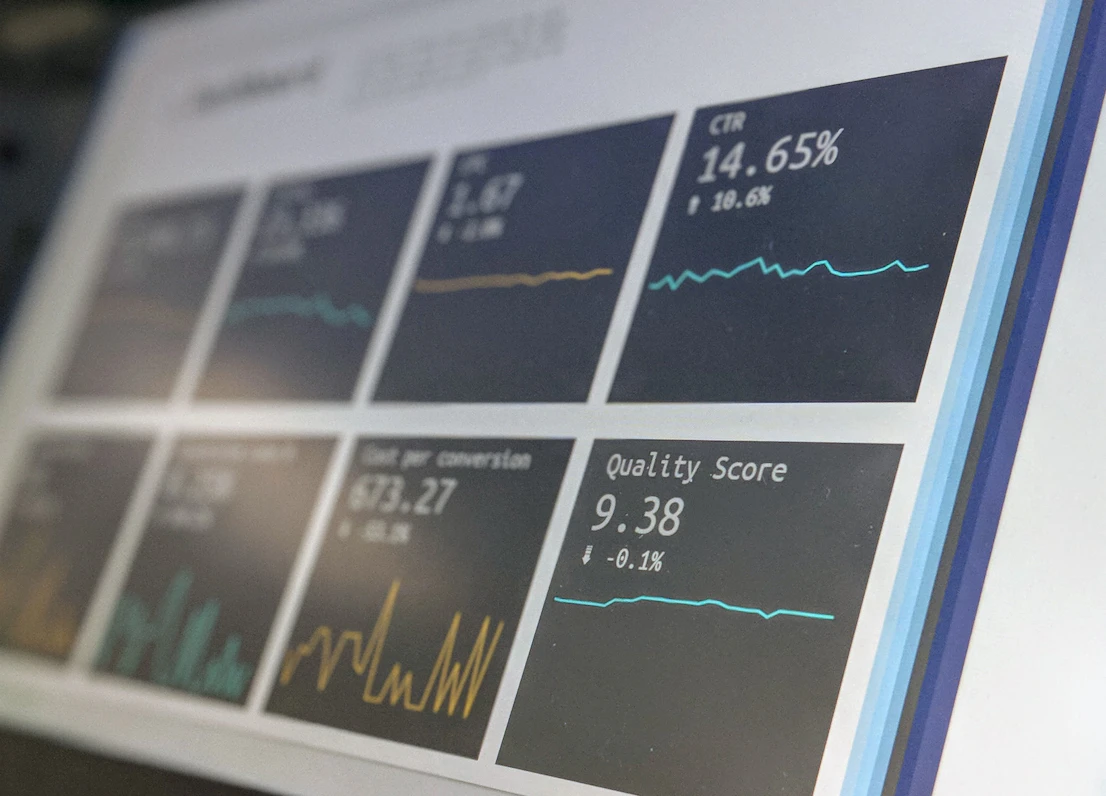
According to U.S. Cybersecurity and Infrastructure Security Agency guidance, visibility and monitoring are foundational for resilient enterprise operations. That applies directly to data pipelines.
Monitoring without action is just dashboard theater.
You need alert thresholds tied to business impact.
Frequently Asked Questions
What is acceptable latency for enterprise real-time pipelines?
It depends on the workload. Fraud detection often needs sub-second latency—usually under 500 milliseconds. Internal reporting can tolerate a few seconds or even minutes. Honestly, it depends on business impact more than technical preference.
How do I know if Kafka is the bottleneck?
Look at consumer lag, partition imbalance, and broker disk usage. If lag grows while producers remain stable, that’s a strong signal. Great question—and honestly, most people get this wrong by checking only CPU metrics.
Can cloud migration reduce streaming bottlenecks?
Short answer: yes. But here’s the nuance. Cloud platforms can reduce infrastructure bottlenecks, but poor architecture still causes delays. Bad pipeline design in cloud is still bad pipeline design.
Should every workload use real-time streaming?
No. More often than not, near-real-time is good enough. If a workload supports minute-level latency without business impact, batch processing may be cheaper and simpler.
What causes delayed data pipelines most often?
Fair warning: the answer might surprise you. It’s usually not one massive failure. It’s accumulated latency from network hops, slow transformations, retries, and queue buildup happening at the same time.
Your Next Move for Fixing Real-Time Data Integration Problems
The biggest mistake teams make is chasing the loudest symptom instead of the real bottleneck.
Start with latency mapping.
Measure every hop. Find where delays begin. Then fix the actual constraint—whether it’s infrastructure, architecture, or data quality.
Real-time data integration problems rarely disappear because you throw more hardware at them. They improve when you understand where time is being lost.
That mindset shift changes everything.
If you’re troubleshooting streaming bottlenecks right now, I’d love to hear what’s slowing your pipeline down most.

Rolando Martinez is a senior data integration architect with 14 years of experience building enterprise ETL systems for SaaS and fintech companies. He holds AWS Data Analytics and Informatica certifications and regularly contributes to enterprise cloud integration publications.
Now share tips Enterprise Data Pipelines on metasuita.com