
⚡ Quick Answer
ETL data integration reduces reporting errors by automatically collecting, cleaning, and standardizing data from multiple systems before it reaches dashboards. Teams using automated ETL pipelines often cut manual reporting mistakes by 60–90%, while saving hours previously spent fixing spreadsheet mismatches and duplicate records.
MetaSuita – ETL Data Integration sounds technical on paper, but the business pain it solves is painfully human: missed numbers, broken dashboards, and meetings derailed because sales, finance, and operations all brought different reports. I’ve spent years designing enterprise ETL pipelines for SaaS and fintech teams, and the pattern is almost always the same—reporting errors rarely start in the dashboard. They start three steps earlier, inside messy pipelines nobody talks about.
I remember working with a mid-sized fintech company where the finance lead kept manually exporting data from Salesforce, billing records from Stripe, and customer data from HubSpot every Friday. By Monday, numbers changed again. Sound familiar? They weren’t bad at reporting. Their system was bad at moving clean data.
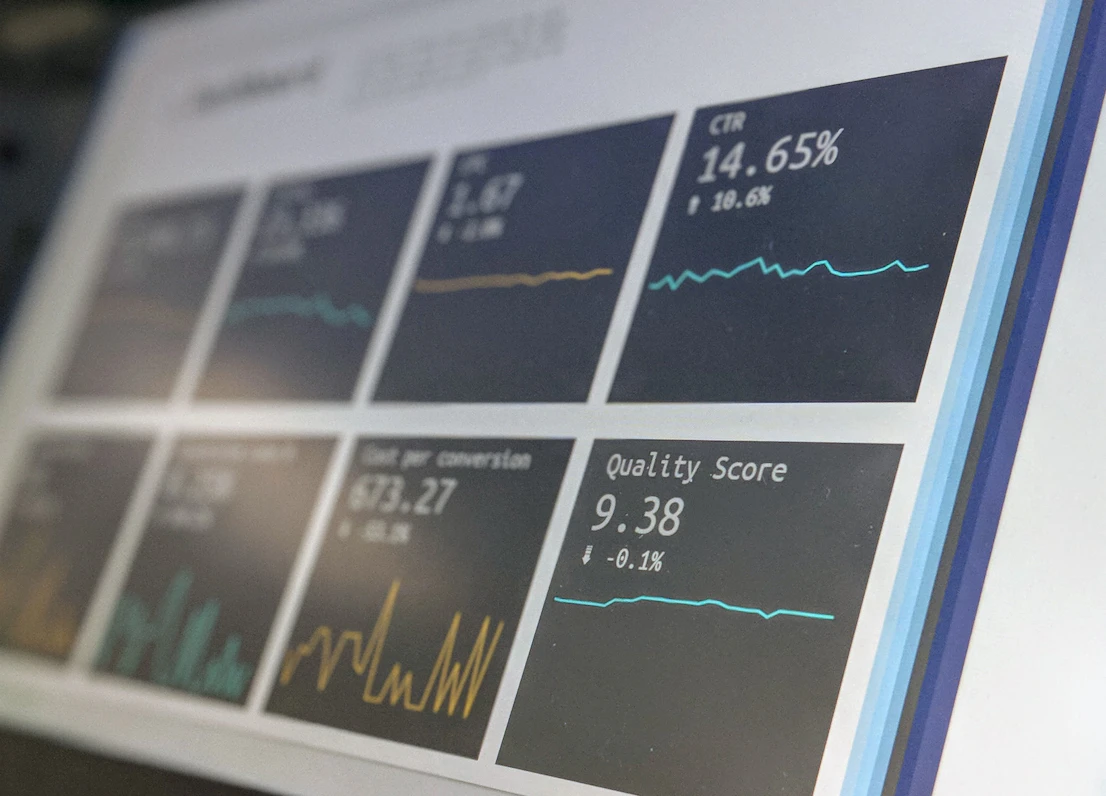
Why Spreadsheet-Based Reporting Breaks Faster Than Most Teams Realize
Spreadsheet-heavy reporting creates errors because humans become the data pipeline.
That sounds dramatic, but it’s true. The moment a team exports CSV files, manually copies rows, cleans naming issues, and merges reports by hand, error risk jumps fast. According to IBM Data Quality Research, poor data quality costs businesses trillions globally each year through inefficiency, bad decisions, and operational waste.
ETL data integration fixes this by removing repetitive manual handling.
Here’s what usually breaks in spreadsheet reporting:
- Duplicate rows from multiple exports
- Different naming conventions across teams
- Outdated files used in executive reports
- Broken formulas nobody notices until too late
Think of manual reporting like cooking for 100 people using handwritten recipe notes from five different chefs. Even if everyone means well, something gets missed.
Here’s where it gets interesting.
Most leaders assume reporting errors happen because people are careless. In my experience, that’s rarely true. The bigger issue is disconnected systems forcing smart people into bad workflows.
A sales team calls revenue “bookings.” Finance calls it “recognized revenue.” Operations calls it “closed deals.” Same business. Three definitions. Broken reporting.
Snippet Answer Paragraph #1:
ETL data integration improves reporting accuracy by turning disconnected systems into one trusted data flow. Instead of manually combining exports from tools like Salesforce, Stripe, and ERP systems, ETL pipelines automate data movement, reducing duplicate records and formula errors by as much as 90% in mature reporting environments.
💡 Key Takeaway: Most reporting errors aren’t spreadsheet mistakes—they’re system design problems. Fix the pipeline, and reporting becomes dramatically more reliable.
What Is ETL Data Integration and Why Does It Fix Reporting Chaos?
ETL data integration automates how data moves from source systems into reporting systems.
ETL stands for Extract, Transform, Load.
ETL is a process that moves data from source systems into a trusted reporting destination.
Simple idea. Big impact.
Instead of manually collecting files every day or week, ETL pipelines automatically collect raw data, clean it, standardize it, and load it into dashboards or warehouses.
For operations teams, that changes everything.
Extract: Pulling Data From Every System Without Copy-Paste
Extract means collecting raw data from source systems.
That could include:
- CRM systems
- Payment systems
- ERP platforms
- Marketing tools
For example, a pipeline may pull data every hour from Salesforce, Stripe, and Shopify.
No exports. No CSV chaos.
This is where API data integration often becomes part of the ETL workflow.
Transform: Cleaning Messy Data Before It Reaches Reports
Transform is where raw data becomes useful.
Transform means cleaning, standardizing, and validating data before reporting.
This step handles problems like:
- Duplicate records
- Missing values
- Naming inconsistencies
- Invalid formats
Example: “NY”, “New York”, and “new york” become one clean value.
This part matters more than people think.
What nobody tells you is this: automation alone doesn’t fix bad data. It automates whatever logic you build—including bad logic.
That surprises a lot of teams.
Bad transformation rules create fast, automated reporting mistakes.
That’s why strong data validation frameworks matter so much.
Load: Sending Trusted Data Into Dashboards and Warehouses
Load means sending cleaned data into a final destination.
That destination could be:
- A data warehouse
- A BI dashboard
- Internal reporting systems
Popular destinations include Snowflake, Google BigQuery, and Microsoft Power BI.
Once loaded, everyone works from the same trusted numbers.
That’s the real win.
Not automation for automation’s sake. Alignment.
Where Do Manual Reporting Errors Actually Come From?
Manual reporting errors usually come from inconsistency, not incompetence.
Let’s be honest here. Most teams don’t suffer from a lack of effort. They suffer from fragmented data systems.
I see four error patterns over and over.
The 4 Most Common Reporting Mistakes Across Teams
1. Duplicate records
The same customer appears twice because CRM and billing systems store slightly different versions.
2. Delayed updates
Yesterday’s report gets used in today’s executive meeting.
3. Formula failures
One broken spreadsheet formula quietly destroys trust.
4. KPI definition mismatch
Different teams calculate metrics differently.
This is exactly why business intelligence integration becomes such a high-priority investment once companies scale.
And yeah, that matters more than you’d think.
According to NIST Data Quality Guidance, data consistency and validation directly affect reporting reliability and decision quality. That lines up with what I’ve seen in enterprise systems.
Bad inputs create bad reporting. Every single time.
How ETL Workflow Management Improves Reporting Data Accuracy
ETL workflow management improves reporting accuracy by making data movement predictable, monitored, and standardized.
ETL workflow management means orchestrating when, how, and where data moves.
Think scheduling, monitoring, retries, alerts, and dependency tracking.
Without workflow management, pipelines fail silently.
That’s dangerous.
With workflow management, teams know:
- When data refreshed
- Which pipeline failed
- Which source caused errors
- Whether reports are safe to use
Tools like Apache Airflow and Informatica make this much easier.
Honestly, this part surprised even me early in my career.
I used to think extraction and transformation logic mattered most. They matter a lot. But nine times out of ten, reporting disasters happen because no one noticed a failed pipeline.
Monitoring is low-key one of the best investments in ETL.
That’s also why modern teams increasingly adopt ETL pipeline automation rather than relying on semi-manual processes.
Can ETL Data Integration Really Eliminate Reporting Errors?
ETL data integration can eliminate most manual reporting errors, but not all reporting problems.
That distinction matters.
Short answer: ETL removes human-driven mistakes at scale—copy-paste issues, spreadsheet formula errors, stale exports, duplicate rows. But ETL won’t magically fix bad business definitions, poor source data, or weak governance.
Okay, so here’s the uncomfortable truth.
If leadership never agrees on what “active customer” means, even perfect ETL data integration won’t save reporting. Garbage definitions still produce garbage reporting.
This is why mature teams pair ETL with master data management and governance standards.
What Nobody Tells You About Automation Failures
Automation failures are usually logic failures, not technical failures.
People expect pipeline crashes. Those are easy to detect.
Silent logic issues? Those are brutal.
Examples:
- Revenue accidentally counted twice
- Refund data excluded from reporting
- Currency conversion applied incorrectly
I’ve seen a finance dashboard overstate monthly revenue by 18% because refunds were excluded in a transformation rule. The ETL job ran perfectly. The logic was wrong.
That’s why automated validation checks are a no-brainer.
💡 Key Takeaway: ETL data integration removes manual errors fast, but reporting accuracy still depends on clean source data, shared definitions, and strong validation rules.
ETL Data Integration vs Manual Reporting: Which One Wins?
ETL data integration beats manual reporting for almost every growing business.
I’m picking a side here: automated reporting integration wins. Hands down.
Manual reporting works for tiny teams with simple needs. Once multiple departments depend on shared metrics, spreadsheets become a liability.
Here’s the difference.
| Factor | Manual Reporting | ETL Data Integration |
|---|---|---|
| Speed | Slow | Fast |
| Error Risk | High | Low |
| Scalability | Poor | Strong |
| Auditability | Weak | Strong |
| Team Alignment | Inconsistent | Consistent |
| Reporting Accuracy | Variable | High |
Snippet Answer Paragraph #2:
ETL data integration is better than manual reporting because it creates one trusted source of truth across systems. Teams using automated reporting integration reduce spreadsheet errors, speed up reporting cycles, and improve KPI consistency across sales, finance, and operations within weeks of deployment.
Here’s an edge case though.
If you’re a 5-person startup tracking basic metrics in one spreadsheet, manual reporting might still be good enough.
But once you hit:
- 3+ departments
- 5+ data sources
- Weekly executive reporting
…manual reporting becomes expensive fast.
How to Build Automated Reporting Integration in 6 Practical Steps
The best ETL rollouts start small, fix one painful workflow, and expand from there.
Real talk: don’t automate everything at once. That’s how projects stall.
Start with the reporting process that wastes the most time.
6-Step ETL Rollout Plan for Operations Teams
1. Audit every data source used in reporting.
List CRM, billing, ERP, analytics, and spreadsheet sources.
2. Identify the most painful reporting workflow.
Pick one process causing repeated delays or errors.
3. Define shared KPI logic.
Agree on metric definitions before building pipelines.
4. Build extraction pipelines.
Connect systems through APIs, databases, or connectors.
5. Add transformation and validation rules.
Clean duplicates, standardize fields, and test logic.
6. Monitor pipeline health continuously.
Set alerts for failures, delays, and anomalies.
This is where teams often benefit from strong data warehouse connectivity, especially when multiple systems feed executive dashboards.
And if near-real-time visibility matters, real-time analytics integration can be worth every penny.
Think of ETL like plumbing in a building. Nobody notices good plumbing. Everyone notices broken plumbing.
Same with data pipelines.

Best Metrics to Track Reporting Data Accuracy After ETL Deployment
The right metrics tell you whether ETL is actually improving reporting.
Track these first:
| Metric | Good Target | Why It Matters |
|---|---|---|
| Data Freshness | < 1 hour | Prevents stale reports |
| Pipeline Success Rate | 99%+ | Measures reliability |
| Duplicate Record Rate | < 1% | Protects reporting quality |
| Validation Error Rate | < 2% | Flags data issues early |
| Reporting Time Saved | 50%+ | Shows operational value |
If these numbers improve, your ETL rollout is working.
If not, investigate upstream systems.
More often than not, reporting problems start earlier than teams think.
External standards like NIST Cybersecurity and Data Guidance reinforce the value of monitoring, validation, and system integrity for reliable enterprise operations.
Data governance best practices from U.S. National Archives Records Management Guidance also support consistent, accurate enterprise reporting processes.
Frequently Asked Questions
How long does ETL implementation take?
Honestly, it depends—but here’s how to tell. Small ETL projects connecting 2–3 systems can take 2–6 weeks. Enterprise-scale implementations involving multiple departments often take 3–6 months. The biggest variable usually isn’t technology—it’s agreement on metric definitions.
Is ETL better than spreadsheets for reporting?
Yes, for most growing companies.
Spreadsheets are fine early on. But once reporting touches multiple teams and systems, ETL data integration becomes far more reliable. It reduces manual work, lowers error rates, and creates consistent reporting data accuracy.
What tools are commonly used for ETL workflow management?
Popular ETL tools include Fivetran, Talend, Apache Airflow, and Informatica. The right choice depends on your team’s technical skill, reporting complexity, and budget. Some are low-code. Others give deeper control.
Can small teams benefit from ETL automation?
Short answer: yes. But here’s the nuance.
Even a small operations team can benefit if reporting pulls data from multiple systems every week. If your team spends more than 5–10 hours weekly fixing reports, ETL automation is probably worth evaluating.
What is the biggest mistake teams make with ETL data integration?
Great question—and honestly, most people get this wrong.
The biggest mistake is automating messy processes without fixing definitions first. Fast automation of bad logic just creates faster bad reporting. Always clean the logic before scaling the pipeline.
Your Next Move: Stop Fixing Reports and Fix the Pipeline
If your team spends hours every week fixing dashboards, chasing spreadsheet errors, or debating whose numbers are correct, the problem probably isn’t reporting.
It’s the pipeline.
That mindset shift changes everything.
Stop asking, “How do we fix this report?”
Start asking, “Why is broken data reaching this report in the first place?”
That’s where ETL data integration creates real operational value.
The best teams don’t build better spreadsheets. They build better data systems.
If you ask me, that’s the move that separates reactive teams from scalable ones.
If your team has been dealing with reporting chaos, I’d love to hear what’s breaking most often—share your experience or compare notes with others facing the same challenge.

Rolando Martinez is a senior data integration architect with 14 years of experience building enterprise ETL systems for SaaS and fintech companies. He holds AWS Data Analytics and Informatica certifications and regularly contributes to enterprise cloud integration publications.
Now share tips Enterprise Data Pipelines on metasuita.com